


Inventory accuracy after NetSuite is the difference between scaling and bleeding margin.
If you’re post go-live and you’re seeing oversells, backorders, cancellations, and “why is this item available on Shopify but not in the warehouse?”—you don’t have an inventory problem. You have an exception-handling problem.
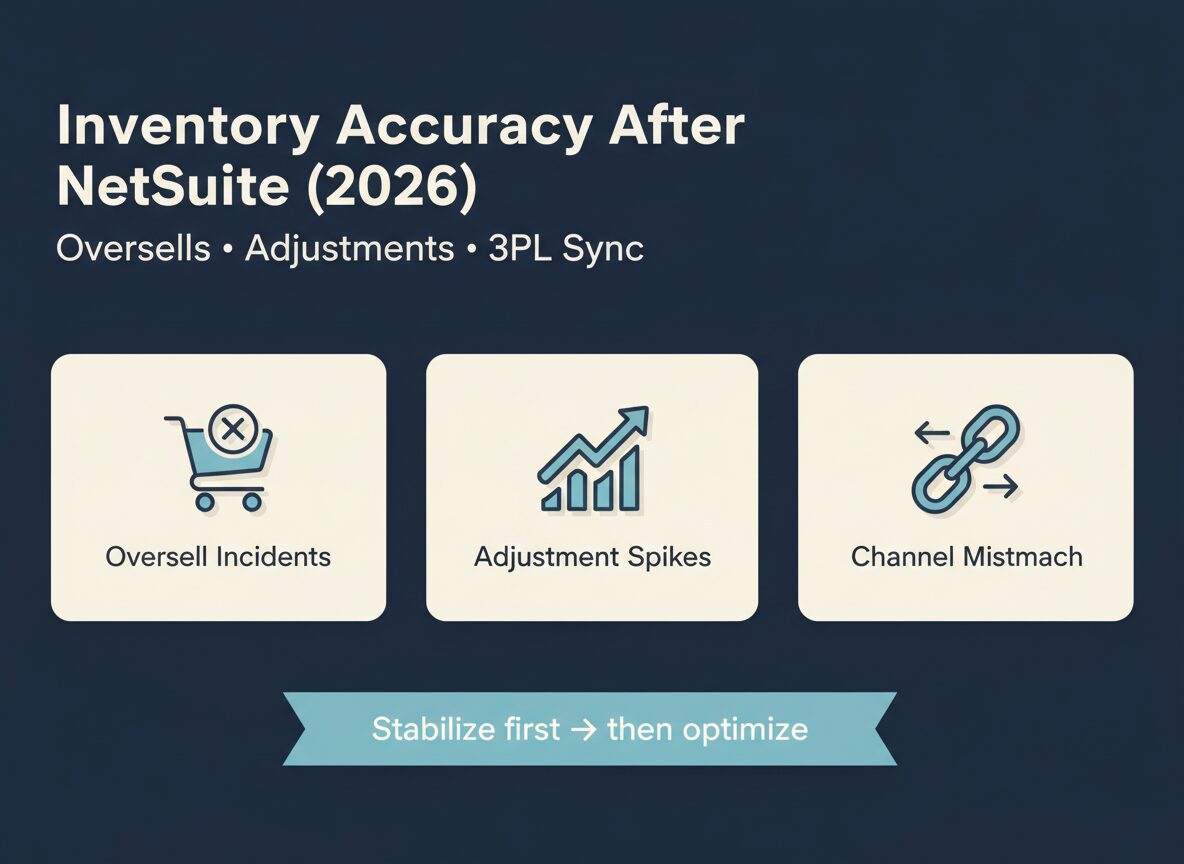
This article breaks down the 7 most common ways inventory gets corrupted after a NetSuite migration, how to detect each one early, and what to standardize, automate, or outsource so your team isn’t firefighting every day.
Inventory Accuracy After NetSuite: Why It Breaks Post Go-Live
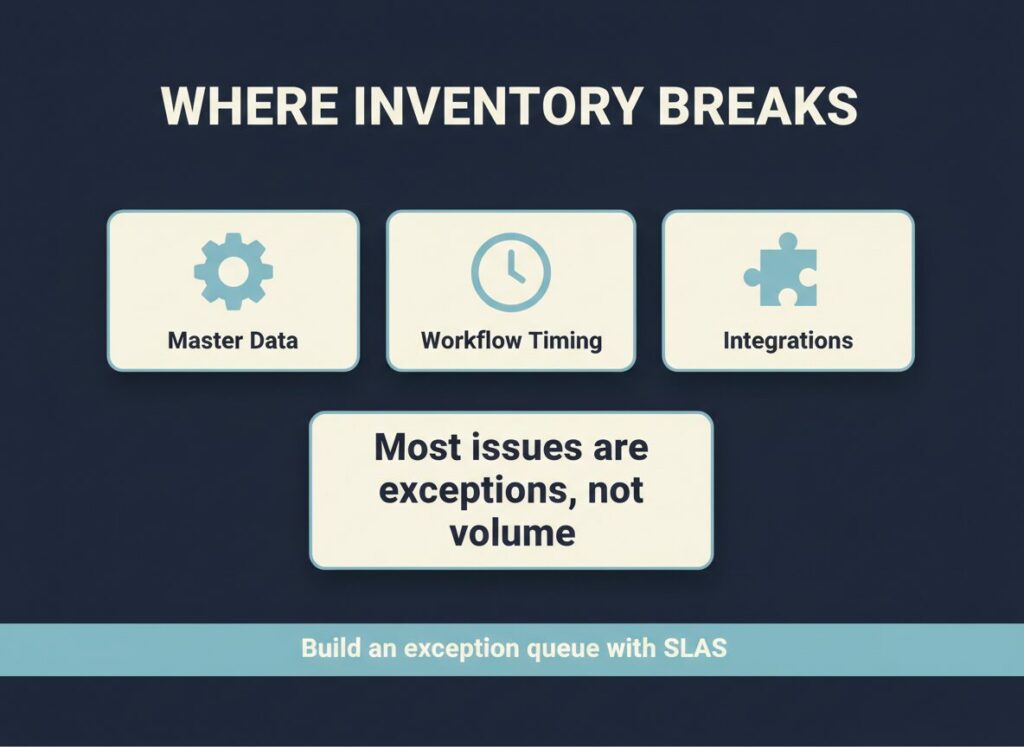
NetSuite makes inventory visible across locations, channels, and workflows. That visibility is great—until your master data, integrations, and operational habits aren’t aligned.
Inventory corruption usually comes from three places:
- Master data drift: item setup, units of measure, locations, and kits don’t match reality.
- Workflow timing: allocations, fulfillments, returns, and adjustments happen in the wrong order.
- Integration gaps: storefront, 3PL, WMS, and carrier events don’t reconcile cleanly.
The fix isn’t a single script. It’s an operating system: rules, ownership, and a weekly control loop.
Inventory Accuracy After NetSuite: 7 Ways It Gets Corrupted
1) Units of measure (UoM) and item setup inconsistencies
What it looks like
- Inventory is “available” but picks fail.
- One location shows 12 units, another shows 1 case, and the storefront shows 0.
Root cause
- UoM conversions aren’t consistent across items.
- Item records were migrated with mixed defaults.
Catch it early
- Weekly report: items with non-standard UoM, missing conversions, or unexpected rounding.
Fix
- Standardize item templates.
- Lock down who can change UoM fields.
2) Location and bin logic doesn’t match how the warehouse actually works
What it looks like
- Inventory exists, but it’s “in the wrong place.”
- Pickers spend time hunting.
Root cause
- Locations/bins were designed in NetSuite, not in the warehouse.
- 3PL locations don’t map cleanly.
Catch it early
- Exceptions queue: pick failures by location/bin.
Fix
- Audit location structure.
- Align WMS/3PL mappings.
3) Allocation timing creates phantom availability
What it looks like
- Oversells spike during promos.
- Orders sit in holds because inventory is “allocated” elsewhere.
Root cause
- Allocation rules don’t match channel priority.
- Backorder settings and commit rules are inconsistent.
Catch it early
- KPI: oversell incidents + allocation aging.
Fix
- Define channel priority rules.
- Standardize commit logic.
4) Returns disposition is inconsistent (and inventory gets “stuck”)
What it looks like
- Returned items don’t come back to sellable stock.
- Refunds happen, but inventory never updates.
Root cause
- No clear disposition rules: sellable vs refurb vs scrap.
- Returns workflows differ by team or location.
Catch it early
- KPI: time from receipt to disposition.
Fix
- Create a disposition matrix.
- Enforce one workflow across channels.
5) Substitutions, partials, and kits break availability math
What it looks like
- Kits show available even when a component is missing.
- Substitutions happen in the warehouse but not in NetSuite.
Root cause
- Kit/component logic isn’t aligned with fulfillment reality.
- Partial shipment rules aren’t standardized.
Catch it early
- Report: kit orders with component shortages.
Fix
- Standardize kit rules.
- Define substitution approvals.
6) Integration retries and error handling silently desync channels
What it looks like
- Shopify says “in stock.” NetSuite says “0.” 3PL says “12.”
- The same SKU flips availability multiple times a day.
Root cause
- Failed syncs are retried without idempotency.
- Errors land in logs, not in an operator queue.
Catch it early
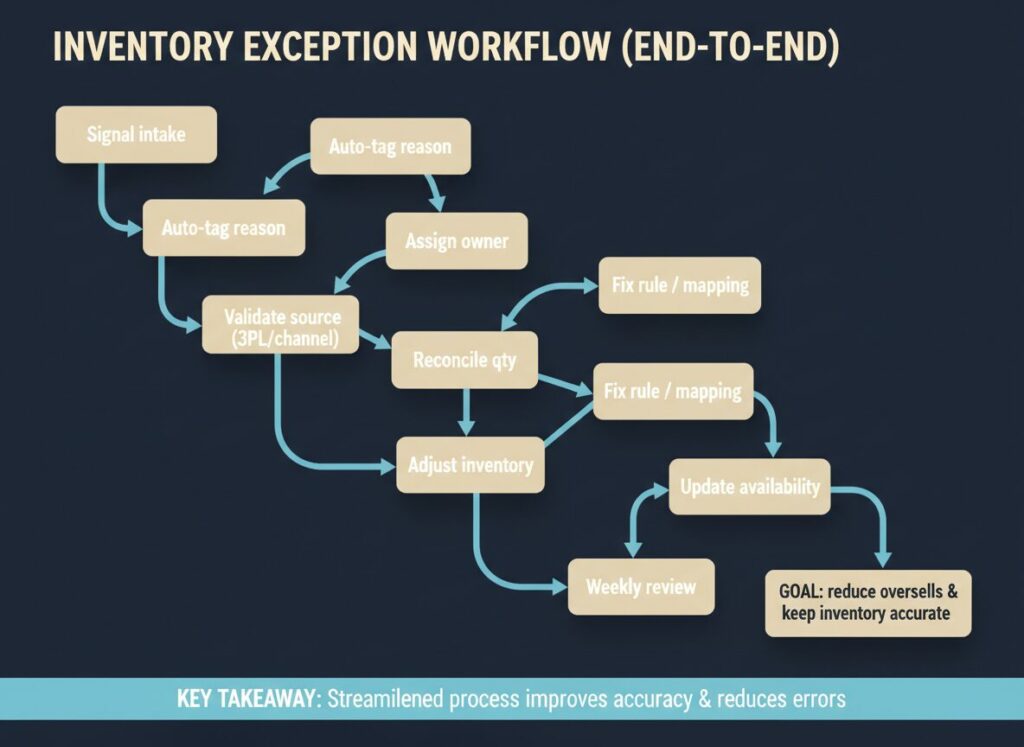
- Exception queue: integration errors by connector and SKU.
Fix
- Build an error queue with ownership + SLAs.
- Add alerts for repeated failures.
7) Manual adjustments become the default (and nobody audits them)
What it looks like
- Inventory is “fixed” daily, but accuracy never improves.
- Adjustments spike after every promo or cycle count.
Root cause
- Teams are patching symptoms.
- No root-cause loop, no approval thresholds.
Catch it early
- KPI: adjustments count/value by reason code.
Fix
- Require reason codes.
- Add approval thresholds.
- Review top 10 SKUs weekly.
Inventory Accuracy After NetSuite: Weekly Control Loop
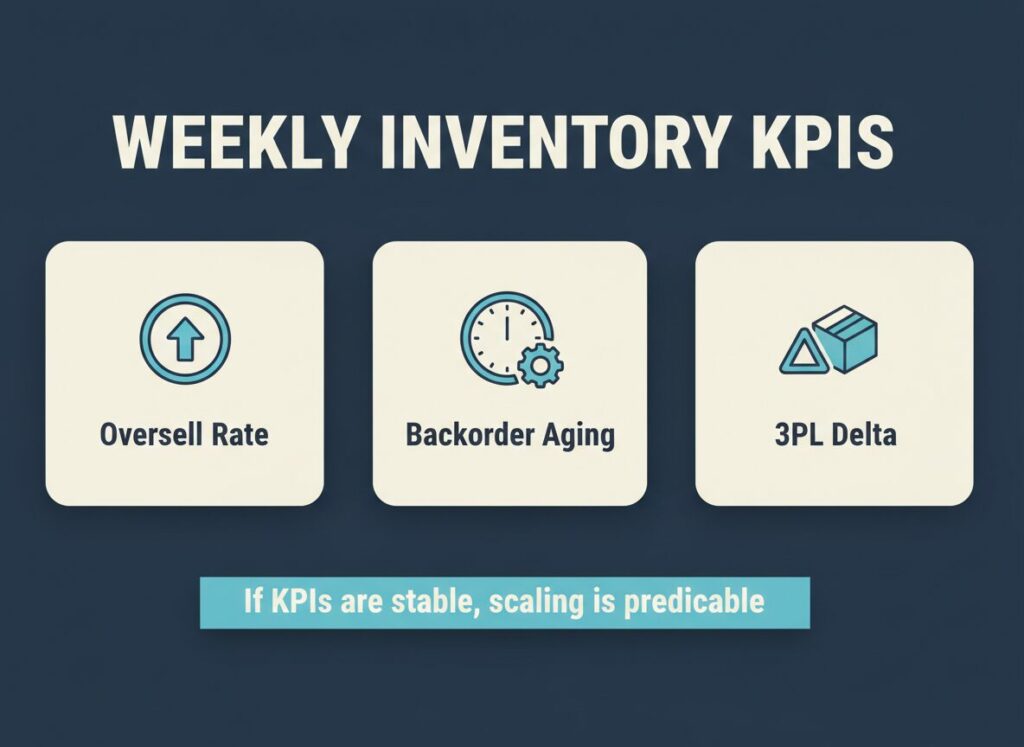
A simple weekly inventory control review:
- Oversell incidents
- Backorder aging
- Inventory adjustments (count + value)
- Returns disposition cycle time
- Integration error rate
- Top SKUs by exception volume
If these are stable, scaling becomes predictable.
What to automate vs what to outsource (BPO/back-office execution)
Automation reduces noise. Back-office execution keeps the system enforced.
A practical split:
- Automate: availability rules, routing, alerts, exception tagging, integration error queues.
- Outsource (execution): daily exception queue handling, reconciliation between NetSuite and channels/3PL, returns disposition processing, cycle count follow-ups.
- Keep in-house: policy decisions, thresholds, channel priority, and system roadmap.
Want an inventory accuracy audit?
TopSource Global helps e-commerce teams stabilize NetSuite operations with automation + back-office execution.
Share your:
- order volume/day and sales channels
- fulfillment model (in-house vs 3PL)
- top 3 inventory issues you see weekly
We’ll map the likely root causes, the exception queues you need, and the first fixes that restore control.
Learn more: https://topsource.global/