


NetSuite pricing gets confusing fast because there is no simple public rate card that fits every company. Your final number depends on your license structure, user mix, modules, implementation scope, integrations, and how much cleanup is needed after go-live.
For operators, the real mistake is not “buying NetSuite.” It is underestimating total cost of ownership. License cost matters. Implementation cost matters more. Post-go-live support, admin time, workflow fixes, reporting gaps, and integration drift are where budgets usually get hit.
How NetSuite pricing works
Most NetSuite budgets have three moving parts:
- Base platform license
- User licenses by role and access level
- Add-on modules for specific workflows
Two companies with similar revenue can end up with very different pricing because their process complexity is different. A clean finance-led rollout is not priced like a multi-entity, multi-warehouse, e-commerce operation with custom workflows and 3PL integrations.
Typical NetSuite pricing ranges
- Base platform license: for a usable small or mid-size setup, a more realistic range is often $25,000-$30,000 per year
- User licenses: around $300 per user per month is a practical planning number for many small and mid-size environments, while more complex enterprise setups can reach $1,000-$1,500+ per user depending on access and functionality
- Entry-level starting points may exist on paper, but stripped-down configurations are often too limited to be useful in real operations
- Add-on modules: priced separately based on the functionality you need, and module choices can change both base license and user costs
- Implementation: often ranges from $25,000 for simpler rollouts to $100,000+ or much higher for complex environments
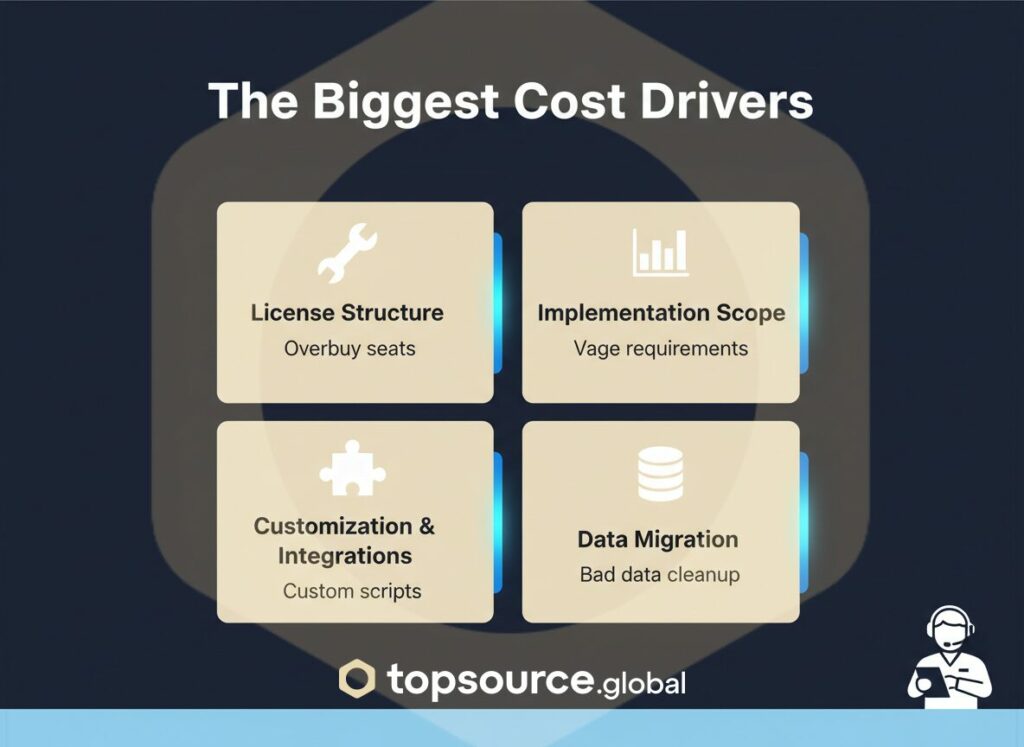
The biggest NetSuite pricing cost drivers
1. License structure
User licensing is usually the first lever to review. Many teams overbuy full-access seats when a role-based mix would do the job. That inflates annual cost before implementation even starts.
2. Implementation scope
This is where budgets move the most. Discovery, configuration, testing, training, data migration, integrations, and custom workflows all stack up. If requirements are vague, change requests show up later and cost more.
3. Customization and integrations
Custom scripts, connector work, and nonstandard workflows can solve real problems. They also increase both upfront cost and long-term maintenance. If your stack includes Shopify, WMS, shipping tools, tax engines, or marketplace feeds, budget for integration design and support, not just initial setup.
4. Data migration quality
Bad data is expensive. If item records, customer records, chart of accounts, or historical transactions are messy, the migration becomes slower, riskier, and more expensive.
NetSuite pricing and hidden costs after go-live
The common budgeting mistake is treating implementation as a one-time project and ignoring what happens after launch.
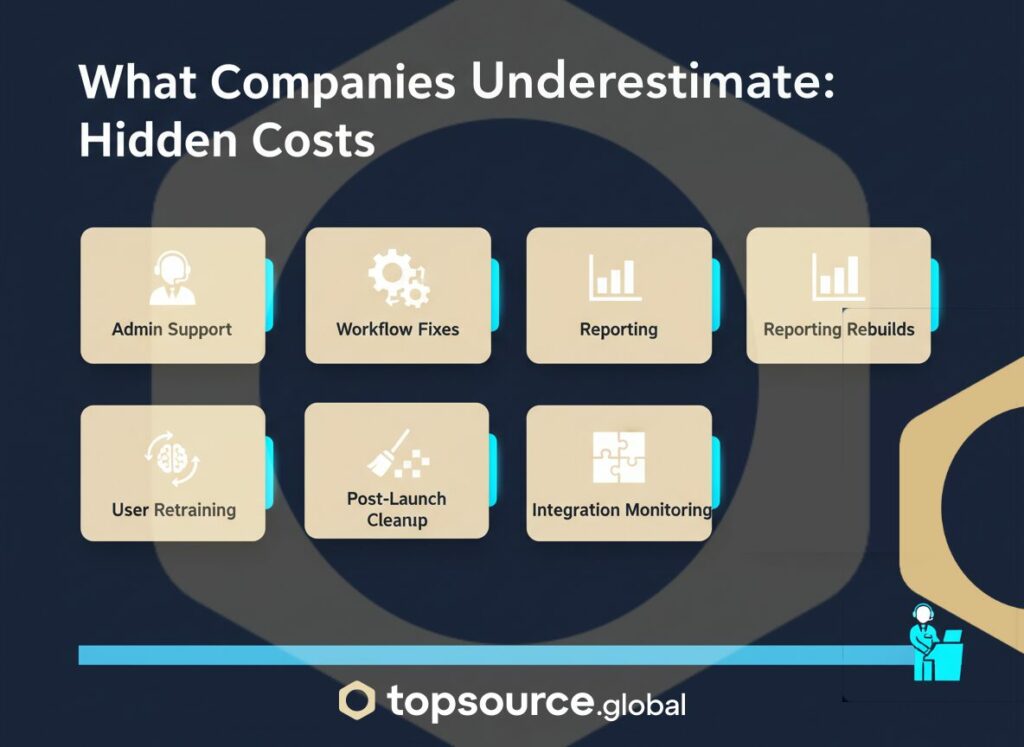
Watch for these cost buckets:
- Admin and support coverage after go-live
- Workflow fixes and optimization work
- Reporting and dashboard rebuilds
- User retraining and process adoption
- Integration monitoring and exception handling
- Cleanup from rushed discovery or poor testing
This is why NetSuite cost should be evaluated as total cost of ownership, not just subscription price.
If you want to avoid these surprises, consider outsourcing your post-go-live support — TopSource Global offers NetSuite administration support for exactly this.
How to budget NetSuite pricing without surprises
A practical NetSuite budget starts with an itemized scope. You want every quote broken into clear components:
- License and user assumptions
- Modules included and excluded
- Implementation phases
- Integration scope
- Data migration scope
- Training and testing coverage
- Post-go-live support model
If a quote looks cheap but leaves half of this vague, it is not really cheap. It just pushes cost into later phases.
How to get better value from NetSuite pricing
There are four moves that usually make the biggest difference:
- Right-size licenses instead of buying broad access by default.
- Keep the first phase focused on core workflows that actually run the business.
- Push for itemized pricing and written assumptions.
- Plan post-go-live optimization before signing, not after problems show up.
The best NetSuite projects are not the ones with the lowest sticker price. They are the ones with the fewest expensive surprises.
Is NetSuite worth it?
For growing companies with real process complexity, NetSuite can be a strong fit. For smaller teams with simple workflows, it can be more system than they need. The answer depends less on revenue and more on operational complexity: entities, warehouses, fulfillment model, reporting needs, approval flows, and integration load.
If you are budgeting for NetSuite in 2026, treat pricing as an operations decision, not just a software purchase. That mindset usually saves more money than any discount negotiation.
NetSuite pricing is flexible, but that flexibility cuts both ways. It gives you room to build the right setup. It also makes it easy to under-scope, overbuy, or miss the real cost drivers.
If you want a cleaner budget, start with the workflows, not the software. Then map licenses, modules, implementation, and support around how the business actually runs.