


Order holds playbook: this guide shows how to route exceptions without Slack chaos in NetSuite e-commerce operations.
However, you can’t survive a hold queue that nobody owns.
- Orders pile up in “Pending Approval” or “On Hold”
- Support pings ops. Ops pings finance. Finance asks for context.
- Someone releases holds manually to “keep shipments moving”
- Then, a week later, you’re dealing with oversells, refunds, chargebacks, and inventory cleanup
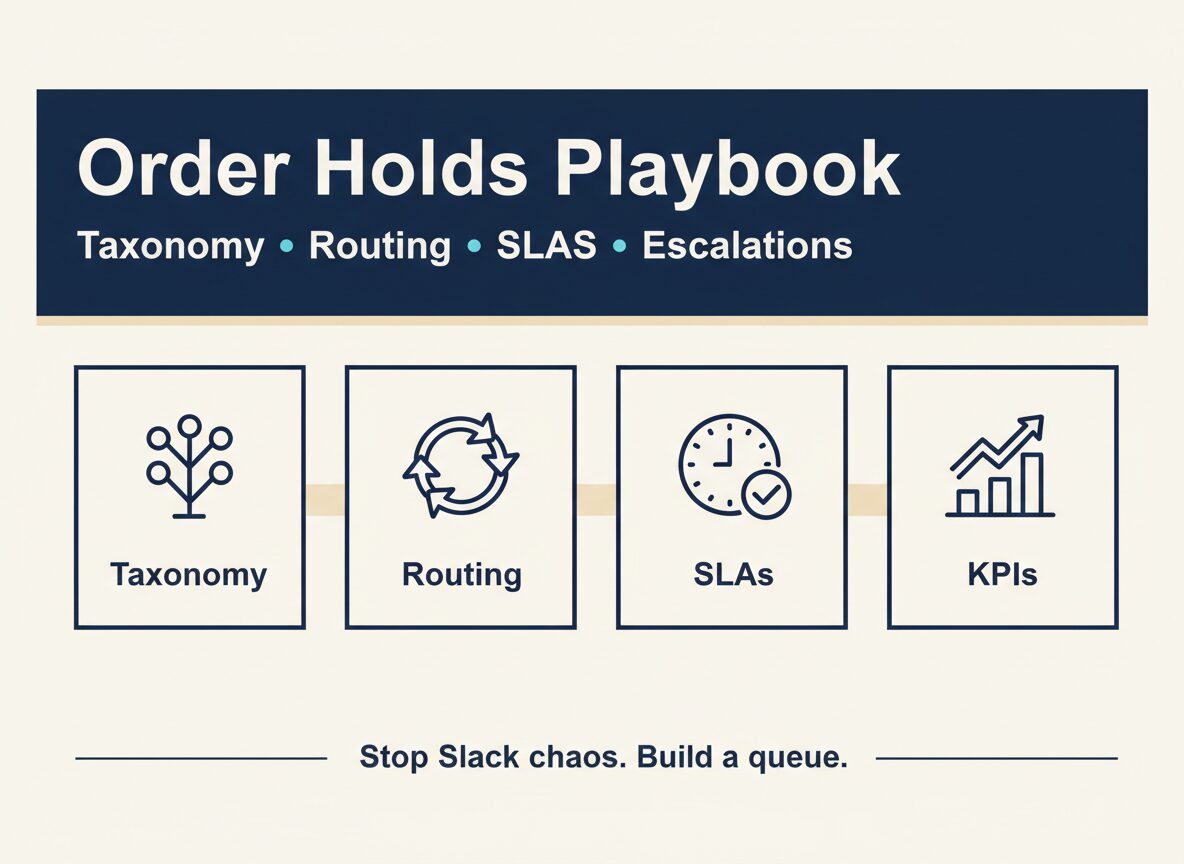
Order holds don’t need more Slack messages. They need taxonomy, routing, SLAs, and escalation rules.This order holds playbook is designed for teams who want fewer manual releases and faster, auditable decisions.
Order Holds Playbook: Why Holds Explode After NetSuite Go-Live
NetSuite doesn’t create holds. It makes them visible.
After migration, holds usually spike because:
- Hold reasons aren’t standardized (everything becomes “manual review”)
- Ownership is unclear (support, ops, finance, fraud all touch the same order)
- Integrations send incomplete signals (risk flags, address validation, payment status)
- Master data is inconsistent (items, locations, UoM, kits, backorder rules)
- Exception handling isn’t defined (what’s “releaseable,” what needs approval, what needs cancellation)
If you don’t define the system, the system becomes Slack.
Order Holds Playbook Step 1: Build a Hold Taxonomy
Most teams have 20+ hold reasons in practice and 0 in documentation.
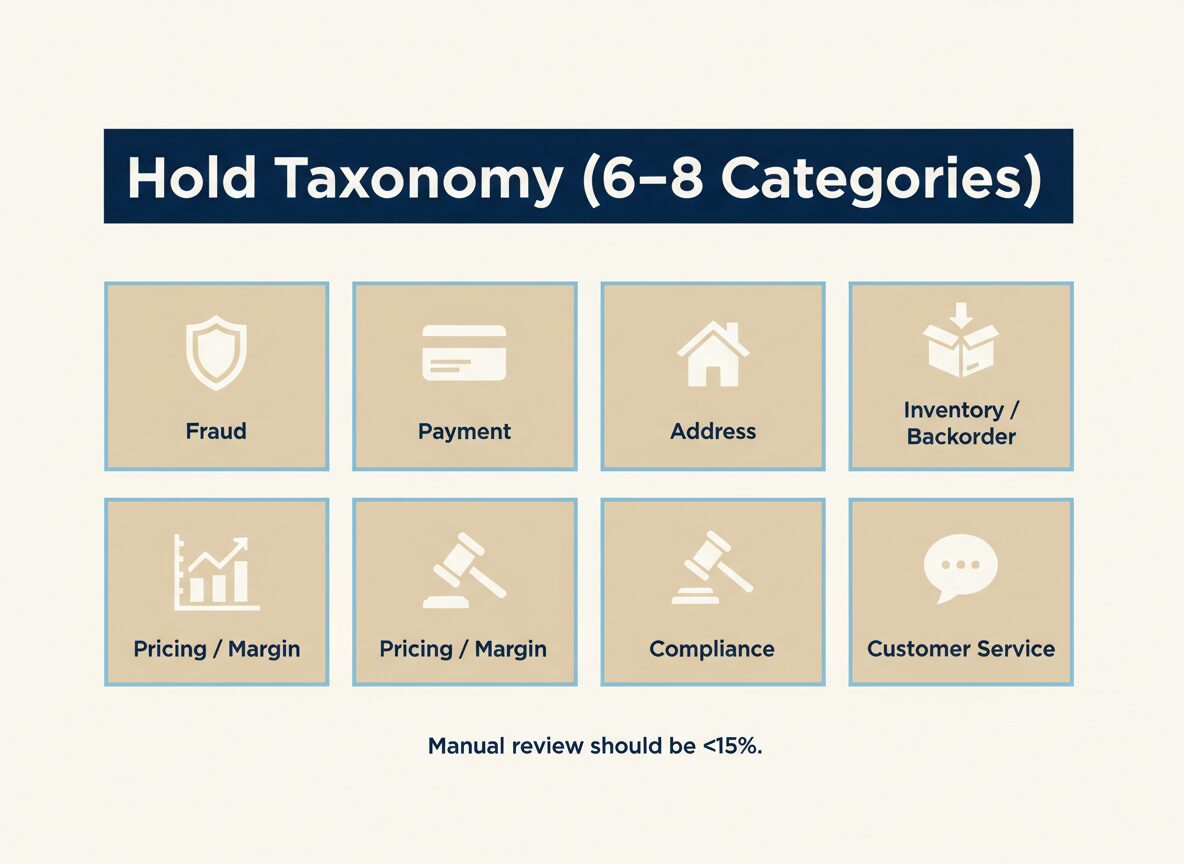
Start with 6–8 hold categories that cover 95% of cases:
- Fraud / verification (risk score, mismatched billing/shipping, velocity)
- Payment (auth failed, capture timing, AVS/CVV mismatch)
- Address (invalid address, missing apartment/unit, undeliverable)
- Inventory / backorder (stockout, allocation rules, substitution)
- Pricing / margin (MAP violations, promo stacking, negative margin)
- Compliance (restricted items, hazmat, export rules)
- Customer service (VIP handling, special instructions)
- Manual review (use only when you can’t classify yet)
Rule: if “Manual review” is more than ~10–15% of holds, your taxonomy is failing.
Step 2: Assign one owner per hold category
Ownership doesn’t mean “does all the work.” It means:
- the queue is watched
- the SLA is met
- the decision rules are enforced
- escalations happen fast
A simple ownership map:
- Fraud / verification: risk ops / fraud team
- Payment: finance ops
- Address: customer support (with clear templates)
- Inventory / backorder: ops / fulfillment
- Pricing / margin: ops lead or merchandising
- Compliance: ops + legal/compliance (as needed)
If two teams “own” a hold, nobody owns it.
Step 3: Define release rules (what can be auto-released vs approved)
This is where most teams get stuck because they try to be perfect.
Don’t.
Define three decision buckets for each hold category:
- Auto-release (low risk, rules-based)
- Manual release (needs a human check)
- Escalate (high risk or high value)
Example: Fraud holds
- Auto-release: returning customer, low risk score, clean history
- Manual release: medium risk, needs quick verification
- Escalate: high AOV, mismatch patterns, repeat attempts
Example: Inventory/backorder holds
- Auto-release: stock arrives within X days, customer accepts delay
- Manual release: partial shipment allowed, substitution rules apply
- Escalate: promised delivery date at risk, VIP customer
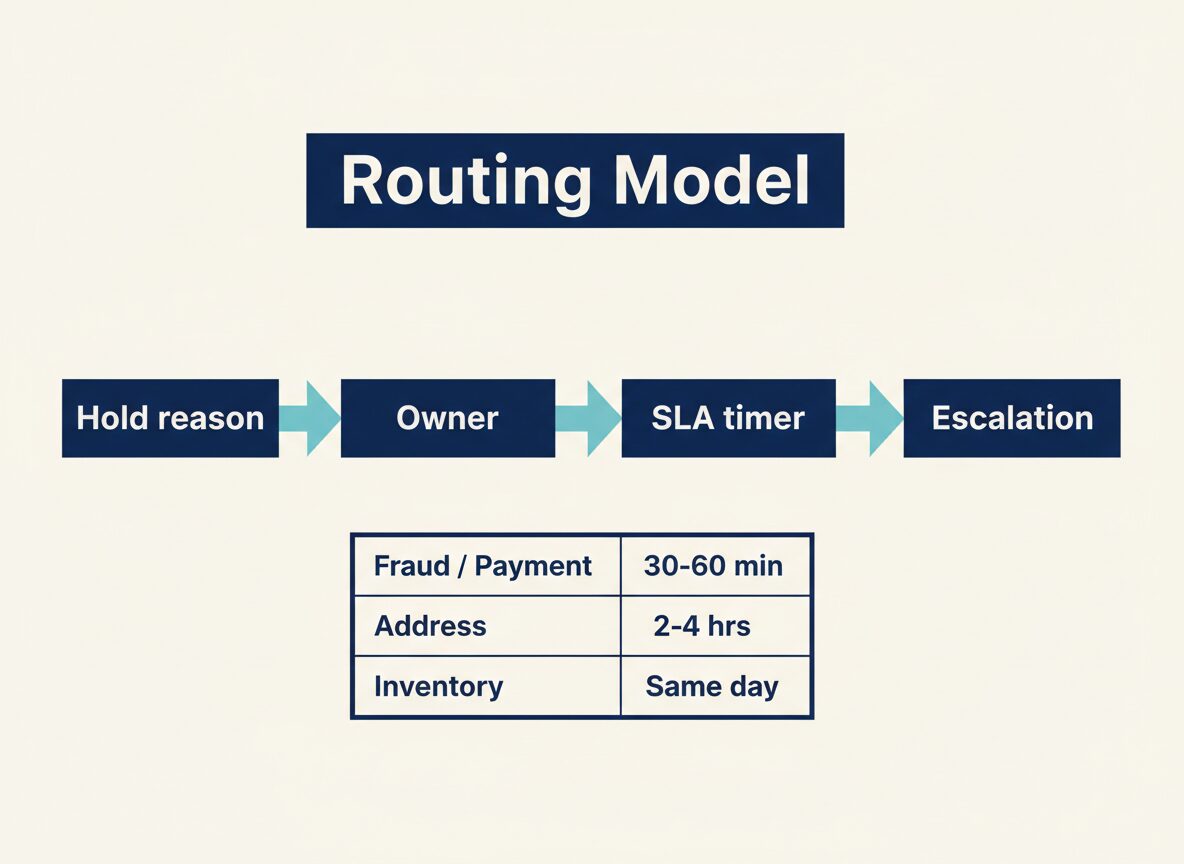
Step 4: Put SLAs on the queue (not on people)
You don’t need a fancy SLA framework. You need time limits that prevent silent backlog.
A practical starting point:
- Fraud/payment holds: 30–60 minutes during business hours
- Address holds: 2–4 hours (template-based outreach)
- Inventory/backorder holds: same-day decision
- Margin/compliance holds: same-day decision
Also define a hard rule: any hold older than 24 hours is automatically escalated.
Step 5: Build escalation triggers (so you don’t argue in Slack)
Escalation should be automatic based on thresholds.
Common triggers:
- AOV threshold (e.g., > $500)
- Repeat customer issues (2+ holds in 30 days)
- Fraud signals (velocity, mismatch patterns)
- Delivery promise risk (ship-by date in < 12 hours)
- Inventory risk (oversell probability)
Escalation means: assigned owner + response time + decision authority.
Step 6: Route holds like tickets (queue design)
Treat holds like a support system:
- one queue per hold category
- one owner per queue
- a clear “required fields” checklist
- a single place to record the decision and reason
If your hold resolution lives in Slack threads, you’ll never fix root causes.
Order Holds Playbook Step 7: Automate the Minimum (80/20)
You don’t need to automate everything. Start with the automations that reduce rework:
- Auto-tag hold reason based on signals (risk flag, payment status, address validation)
- Auto-route to the right owner/queue
- Auto-alert when SLA is breached
- Auto-create a customer message for address verification holds
- Auto-log integration errors into an exception queue
The goal is fewer manual touches per order.
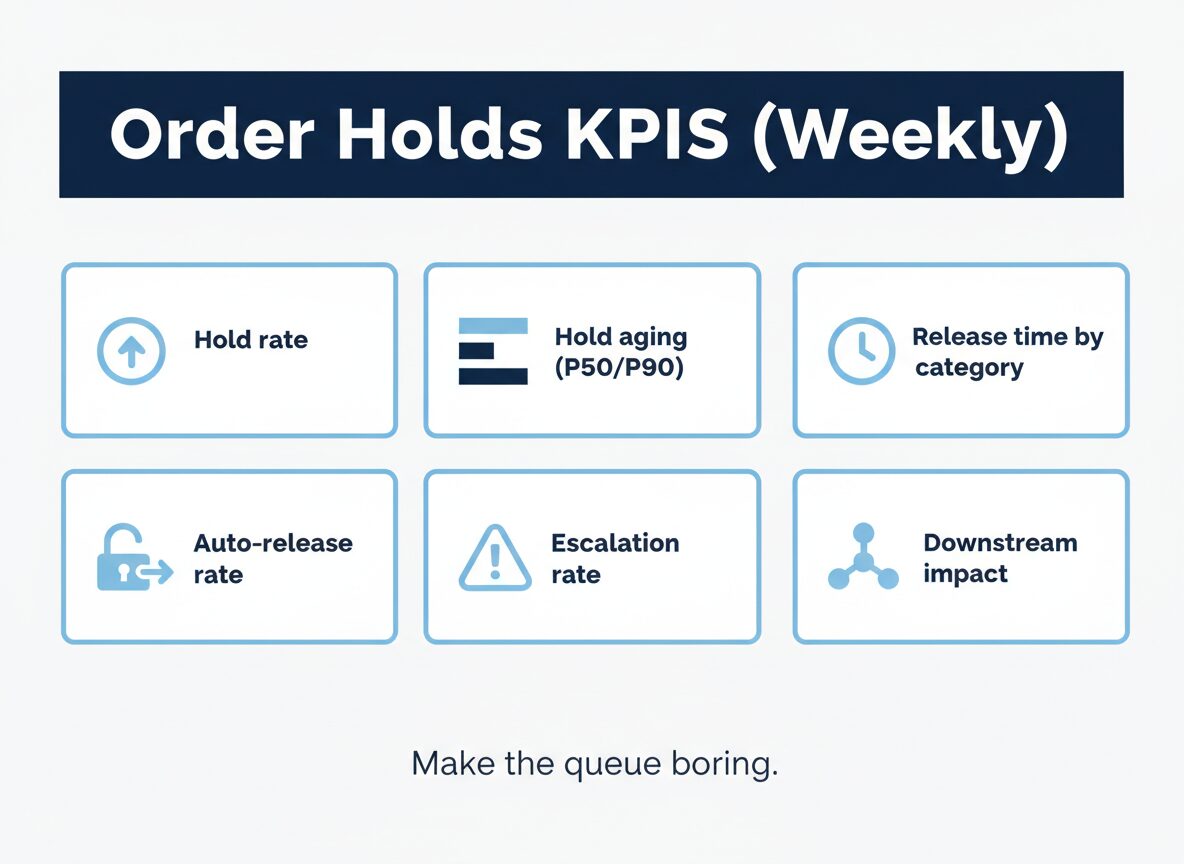
Step 8: Measure the right KPIs (weekly)
If you can’t measure holds, you can’t improve them.
Track these weekly:
- Hold rate (% of orders placed on hold)
- Hold aging (median and 90th percentile)
- Release time by hold category
- Auto-release rate (how much is rules-based)
- Escalation rate (and why)
- Downstream impact: chargebacks, refunds, cancellations tied to holds
A simple target: reduce hold rate and hold aging every week until the queue is boring.
For a practical baseline on fulfillment and delivery expectations, we recommend tracking against carrier performance guidance and service standards from UPS and FedEx.
Common mistakes (what makes holds worse)
- Too many hold reasons (nobody knows what they mean)
- “Manual review” as the default
- No owner per queue
- No SLA timers
- Releasing holds to hit shipping targets (and paying later in refunds/chargebacks)
- Fixing symptoms instead of root causes (mapping, master data, integration signals)
Want an order-holds audit?
TopSource Global helps e-commerce teams stabilize NetSuite operations with ERP automation + back-office execution.
If you share:
- your order volume/day
- sales channels (Shopify/Magento/Amazon)
- fulfillment model (in-house vs 3PL)
- top 3 hold reasons today
We can map your hold taxonomy, routing rules, and SLA/escalation model and tell you what to fix first.
Learn more: https://topsource.global/