


NetSuite 2026.1 removes NetSuite sandbox refresh limits. As of March 6, 2026, you can request sandbox refreshes without the previous cap. For teams running frequent release cycles, this is a practical change: you can reset test environments more often without planning around a quota.
For most teams, NetSuite sandbox refresh limits were the bottleneck in keeping UAT aligned with production.
This article explains what changed, where to request a refresh, and how to use unlimited refreshes without creating new operational problems (broken test windows, lost test data, and refreshes colliding with upgrades).

NetSuite sandbox refresh limits: what changed in 2026.1
In prior releases, sandbox refresh requests were limited. In NetSuite 2026.1, that limit is removed and refreshes are unlimited.
A sandbox refresh copies a snapshot of all configurations, data, user passwords, and customizations from a source account to a target sandbox account.
NetSuite sandbox refresh limits: practical rules for release teams
A sandbox refresh is a full reset of the sandbox to match production at a point in time.
Typical reasons teams refresh:
- Validate new customizations and SuiteScript against current production data
- Reproduce production issues with the same configuration and records
- Test integrations and middleware mappings against the latest item, customer, and order reality
- Run UAT on real workflows instead of synthetic samples
Unlimited refreshes matter most when your release process is iterative. If you ship weekly, you can keep a sandbox aligned with production without saving refreshes for “big moments”.
How to request a sandbox refresh
In NetSuite, you request a refresh from:
- Setup > Company > Company Management > Sandbox Accounts
Select the sandbox account and submit a refresh request.
Monitor refresh status and timing
You can track refresh requests on the Sandbox Accounts page. NetSuite shows:
- Estimated refresh time
- Date requested
- Current status
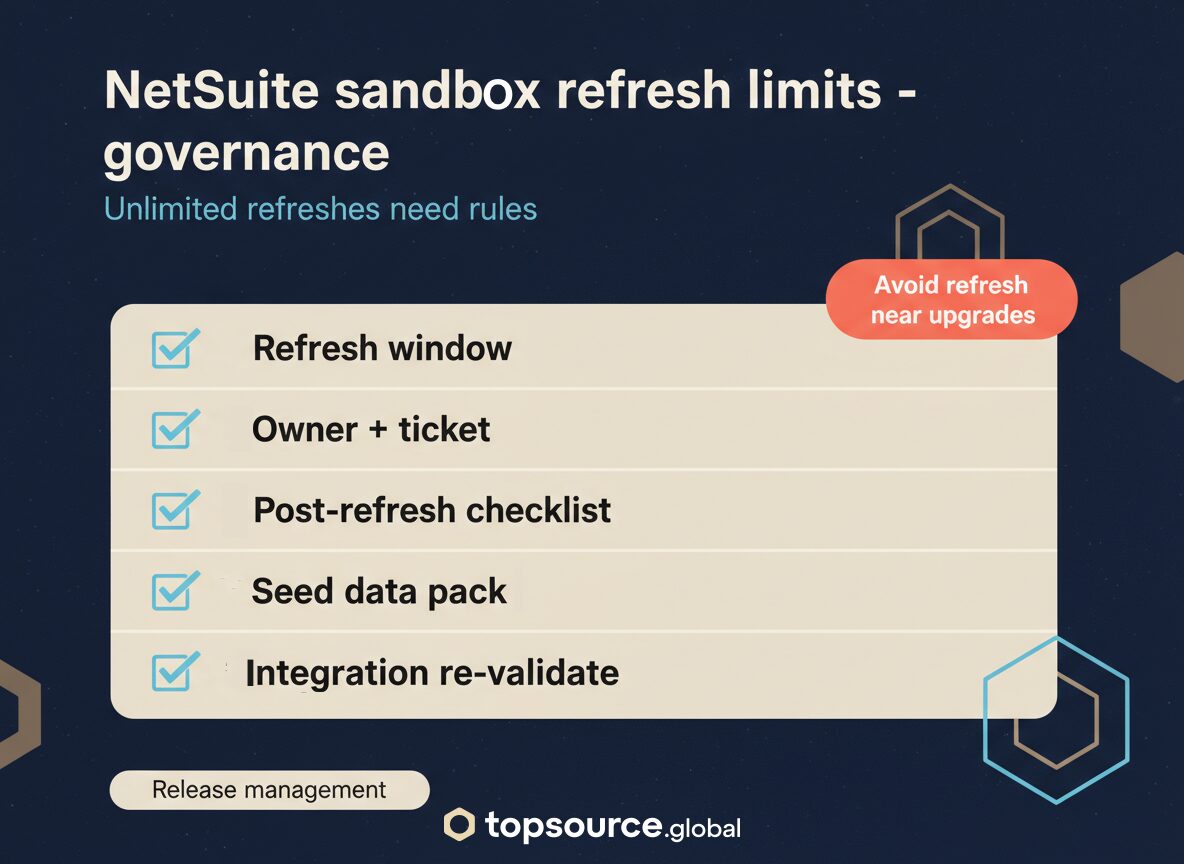
Important: avoid starting a refresh close to a scheduled version upgrade. If the refresh does not complete before the upgrade window, it can fail.
What unlimited refreshes change in real operations
Unlimited refreshes remove the quota problem. They do not remove the coordination problem.
What usually improves:
- Faster turnaround for bug reproduction and retesting
- Cleaner UAT cycles because you can reset to a known baseline
- Better integration testing when production configuration changes frequently
What can get worse if you do not add process:
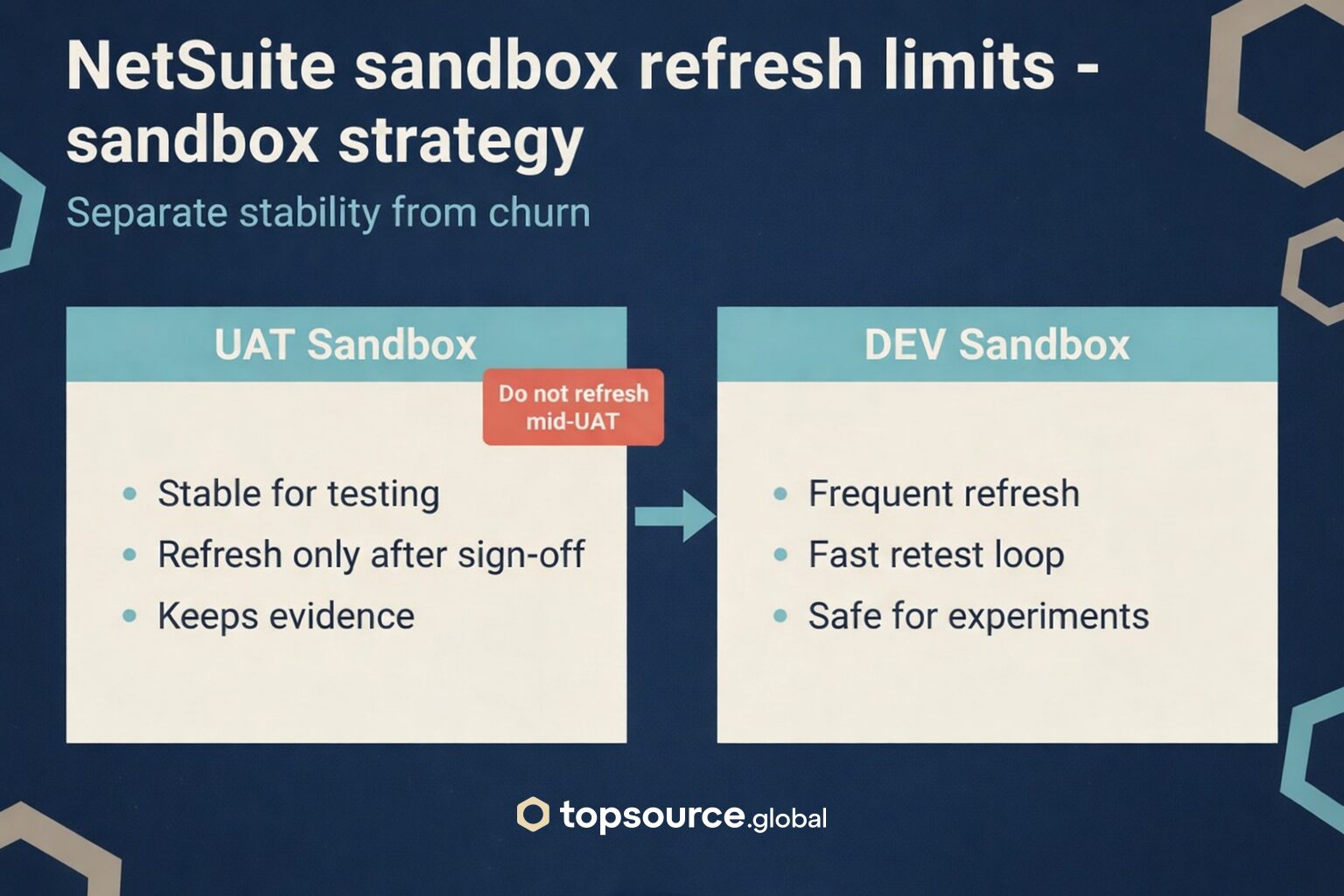
- Teams refresh mid-UAT and wipe test evidence
- QA loses seeded test data (test customers, test cards, test items)
- Integrations break because credentials, tokens, or endpoints need re-validation after refresh
Practical rules for using unlimited refreshes
These controls keep refreshes helpful:
- Define refresh windows (example: refresh only after UAT sign-off)
- Keep a post-refresh checklist (roles, integrations, SuiteApps, scheduled scripts, email settings)
- Maintain a seed pack (saved CSV imports or SuiteBundles to restore test fixtures)
- Label environments (one sandbox for UAT stability, one for dev churn)
- Track refreshes like deployments (ticket, owner, timestamp, reason)
If you have multiple sandboxes, unlimited refreshes let you separate responsibilities instead of forcing one sandbox to serve every purpose.
Who this affects
This change is relevant for:
- NetSuite administrators managing account configuration and access
- Developers working on SuiteScript, SuiteFlow, and custom records
- Integration teams validating middleware, REST, SOAP, and file-based flows
- Finance and ops leaders who rely on predictable UAT and close testing
Key takeaways
- NetSuite 2026.1 removes NetSuite sandbox refresh limits as of March 6, 2026
- Refreshes copy configurations, data, user passwords, and customizations from source to sandbox
- You can request refreshes at Setup > Company > Company Management > Sandbox Accounts
- Unlimited refreshes help only if you add governance around timing, ownership, and post-refresh validation
Need a safer refresh and release process?
Unlimited refreshes are useful, but they can also create churn if teams refresh during UAT or right after go-live. If your releases already feel chaotic, start here: Post go-live chaos: why NetSuite releases break ops (and how to control it).
TopSource Global helps NetSuite teams run predictable release cycles: sandbox strategy, refresh governance, UAT workflows, and integration validation.
If you want a lightweight refresh playbook and a post-refresh checklist tailored to your account, message us.